
Invoice Generator
Use our free invoice generator to create professional invoices in seconds. Fill in your details, add line items, and download your invoice as a PDF — completely free with no account required.
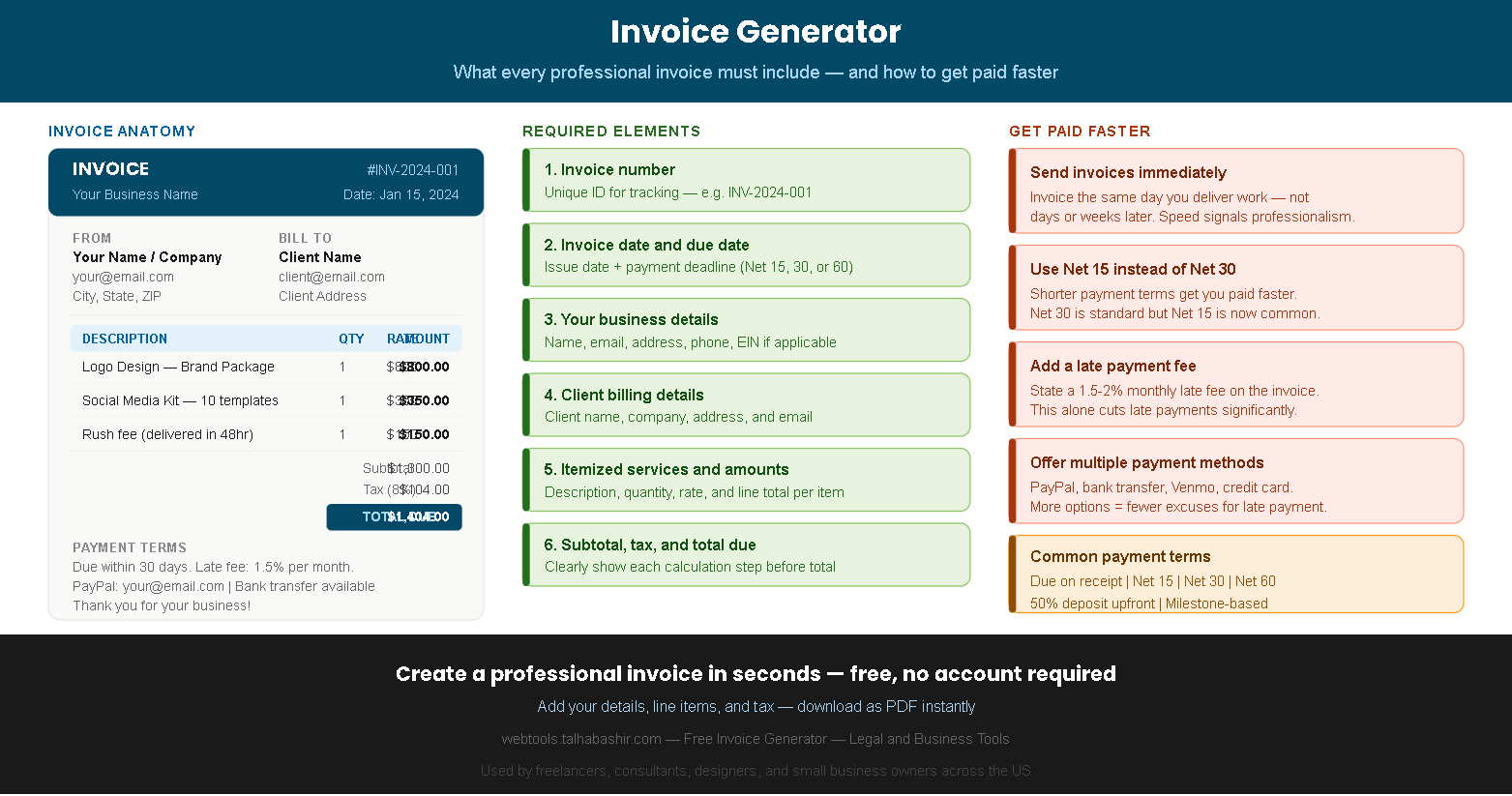
| Description | Qty | Rate | Amount |
|---|---|---|---|
| Add line items in the form to see them here | |||
How to use this free invoice generator
Creating a professional invoice with our free invoice generator takes under two minutes. Fill in your details on the left, watch the live preview update on the right, and download your finished invoice as a PDF with one click — no account, no watermark, no cost.
Enter your business details and your client's billing information in the form.
Add your services as line items with a description, quantity, and rate per item.
Set your tax rate, discount, payment terms, and any notes or late fee language.
Click Download as PDF to save your professional invoice and send it to your client.
Why professional invoices matter for freelancers and small businesses
A professional invoice is more than a payment request — it is a legal document that records the agreement between you and your client, protects you in disputes, and signals that you operate a legitimate, trustworthy business. Clients are statistically more likely to pay on time when they receive a clean, clearly formatted invoice compared to a casual email or informal payment request.
Furthermore, proper invoices are essential for tax compliance. The IRS requires self-employed individuals and business owners to maintain records of all income, and a well-structured invoice serves as that record. Our free invoice generator creates invoices that include all the fields required for proper business record-keeping.
Tips to get paid faster
Invoice immediately after delivery
Send your invoice the same day you deliver work — not days or weeks later. Immediate invoicing signals professionalism and keeps the project fresh in your client's mind, which significantly reduces payment delays.
Use Net 15 instead of Net 30
Net 30 is traditional but Net 15 is now widely accepted and gets you paid twice as fast. Many clients pay by the stated deadline — so setting a shorter deadline directly reduces your average payment time.
State a late payment fee
Including a 1.5–2% monthly late fee in your invoice terms dramatically reduces late payments. Most clients will pay on time specifically to avoid the fee — even if you would never actually charge it.
Offer multiple payment methods
List every payment method you accept — PayPal, bank transfer, Venmo, Zelle, credit card. More options eliminate the excuse of "I didn't know how to pay you" and reduce friction at the payment stage.
Require a 50% upfront deposit
For new clients or large projects, requiring 50% upfront protects you from non-payment and establishes a professional boundary. Invoice for the deposit before starting work and the remainder upon delivery.
Follow up before the due date
Send a friendly reminder 3–5 days before the invoice due date. A simple "just a reminder that invoice #001 is due on Friday" email prevents most late payments without damaging the client relationship.
Pro tip — always include your invoice number in every email and follow-up communication. A clear invoice number makes it easy for your client's accounts payable team to process and match your payment quickly.
Never send an invoice without a due date. "Due when you get a chance" is not a payment term. Always specify an exact due date — Net 15 or Net 30 from the invoice date — so there is no ambiguity about when payment is expected.
Official resources for freelancers and small businesses:
IRS.gov — Self-employed tax center and record-keeping guidance SBA.gov — Managing your business finances